
Website builder with online booking
Your clients book and pay. SiteSpin builds the website.
SiteSpin builds your website in minutes, with bookings set up from your services, prices and hours, and online payment through your Stripe account. You decide whether bookings need your approval, when reminders go out and how clients can move or cancel. Then run your diary and change your website from your phone by asking.
. By continuing, you agree to the Terms and Privacy Policy. SiteSpin uses AI to build your website, never to train AI.
Choose a service and a barber. Book a time that fits.
This is a SiteSpin example for a barber. SiteSpin plans and writes the pages, and draws three designs to choose from. Your website is quick to open and easy to read on a phone, with only the services and payment choices you offer.
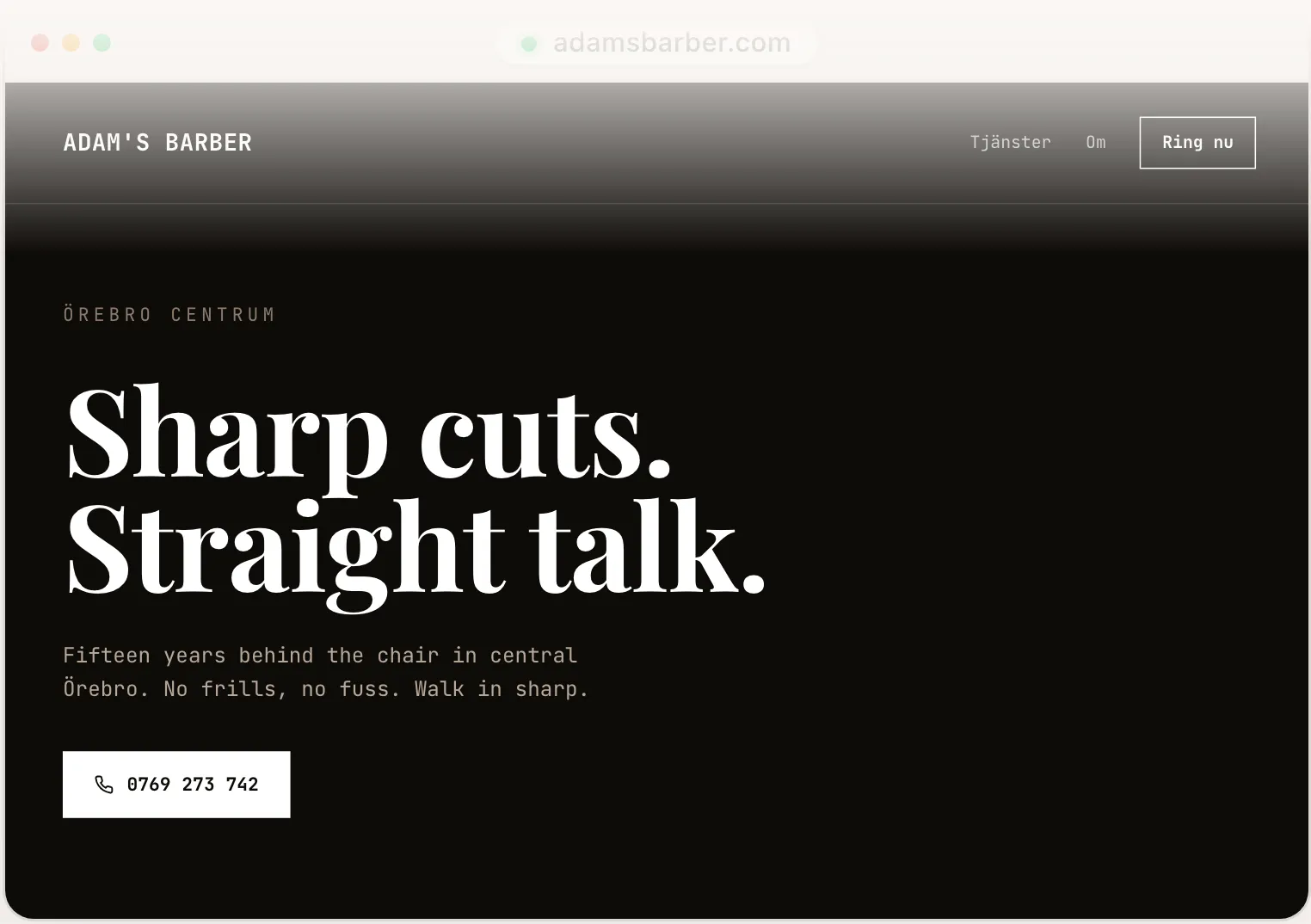
Illustrative designs, not customer websites.
A full booking system, set up for your business.
Tell SiteSpin what you do. It asks a few focused questions about your services, staff and hours, then sets up bookings while it builds your website.
Your services, staff and hours
SiteSpin sets up services with prices, lengths and the staff who provide them, plus opening hours and special hours. If you teach classes, it sets up places and a waiting list too. Choose instant confirmation or your approval; clients see "Book this time" or "Request this time".
Online payment for bookings
Take a fixed price or a booking fee when the rest is priced after the visit. Clients pay on Stripe's payment page; for booking requests, you approve first and they receive a link to pay and confirm. Connect your own Stripe account to receive payments. SiteSpin adds no transaction fee of its own; Stripe's card fees apply.
Before and after the visit
SiteSpin prevents double bookings. Confirmations and reminders carry your business's name and colours. Reminders go out as long before the appointment as you choose. Get a morning summary and follow the diary in your calendar app, with a feed for each staff member. After the visit, SiteSpin can ask the client for a review.
See who's booked. Make changes by asking.
Confirm a request from its notification or offer up to three other times. See the day or month at a glance, then say "Close next Friday" or "Move Jonas to Thursday morning" and SiteSpin makes the change. Payments, payouts, refunds, disputes and statements are here too, with notifications you choose.
- Client
- Jonas B.
- Appointment
- Tomorrow, 10:30–11:15 amNew York time
Change our Friday opening hours to 9 am–6 pm.
I've changed your Friday hours to 9 am–6 pm on your website.
You say what changed. SiteSpin does the work.
Tell SiteSpin about new prices, hours or photos by text or voice, and it makes the changes. Say “Add a beard trim to the haircut” or “Send this client a payment link”. Tell SiteSpin you’re running late, and it can move the bookings after you or let those clients know. Days off, staff and classes change through the same chat. More about bookings.
Add a shop with the same online payment, or tell SiteSpin your news for a blog post. You can add products and change their prices by asking. Bookings, orders and messages arrive in one app, where you reply to questions as your business. Visitors shows the bookings and money those visits led to.
SiteSpin handles hosting, spam protection and a privacy notice. You also get an eligible domain, registered and renewed for you while you subscribe. Your business details are set up so Google, Bing and AI assistants can read what you offer and when you’re open.
With Squarespace and Acuity, you set up and connect the bookings, keep services, prices and hours in step, and use Acuity’s separate app for appointments.
SiteSpin is $28 a month, with everything above included. New to SiteSpin? Your first 7 days are free, and nothing is charged until they end. See pricing. SiteSpin is made in Stockholm, has been on the App Store since May 2026 and has built 1,000+ websites. See examples.
Questions about booking online.
SiteSpin sets up bookings as it builds your website, and you run and change both from your phone. Wix offers Wix Bookings on a paid plan, which you add and finish setting up in the editor. Squarespace takes bookings through Acuity, a separate subscription with its own app for appointments.
Yes, with a choice for each service under Online payment for bookings: Not offered · Optional · Required to confirm. Clients pay through your Stripe account, either a fixed price or a booking fee when the rest is priced after the visit. SiteSpin adds no transaction fee of its own; Stripe's card fees apply.
Tell SiteSpin "let people book a time" and it adds bookings to your SiteSpin website. If you're moving from another website or booking tool, it can bring the website content and your client list across.
Tell SiteSpin what you do.
Say what you offer and when you're open. SiteSpin builds your website and sets up bookings, ready to run from your phone.