SiteSpin
Compared with Framer

Both start from a blank page.
Only one asks you what goes on it.

Framer hands you a canvas and trusts you with it. This page is about what happens if nobody takes it.

Framer
a design canvas
SiteSpin
a conversation
The short version

Framer is a designer's tool, and a very good one.

The canvas, the animation controls and the CMS are all better than anything we offer, and for a design-led brand that is the right trade. It is the wrong trade for somebody who does not want to open a canvas at all — and that is most of the people who need a website, which is who we are for.

SiteSpin makes the opposite trade. You answer questions, we make the design decisions, and when something needs changing you say what is different.

Who each one is for
Framer, if the design is the work you want to do
SiteSpin, if the design is the work you want done
The table

What it takes to do the same thing.

Seven questions, answered for both. One of them Framer answers better, and it is on the list because leaving it off would make the other six worth less.

What you want to do
SiteSpin
Framer
Change the opening hours
Say the new hours
Open the canvas, find the layer, edit, publish
Start taking bookings
Ask for it
A third-party embed
Get the words written
Written from your answers
You write them, or you pay someone
Take a card payment on the site
Not yet. The order reaches you and you take payment as you do now
Not built in. A third-party embed
Choose from templates
There are none. Every site is written from scratch
Hundreds, and the motion in them is the point
Keep the address working
We buy the domain and renew it
You bring one and point it
Fix it when it breaks
Ours to fix
Yours to diagnose
The difference underneath all of it

Their AI hands you a draft and then hands you the editor.

That sounds like a small difference and it is the whole thing, because the editor is exactly what stopped these owners having a website in the first place. Here, asking for a booking system costs you what changing the hours costs. On an editor one is a Tuesday evening and the other is a plugin hunt.

Ask for a change, get the change
The assembly work is the product
The site is looked after, not handed over
From people who moved

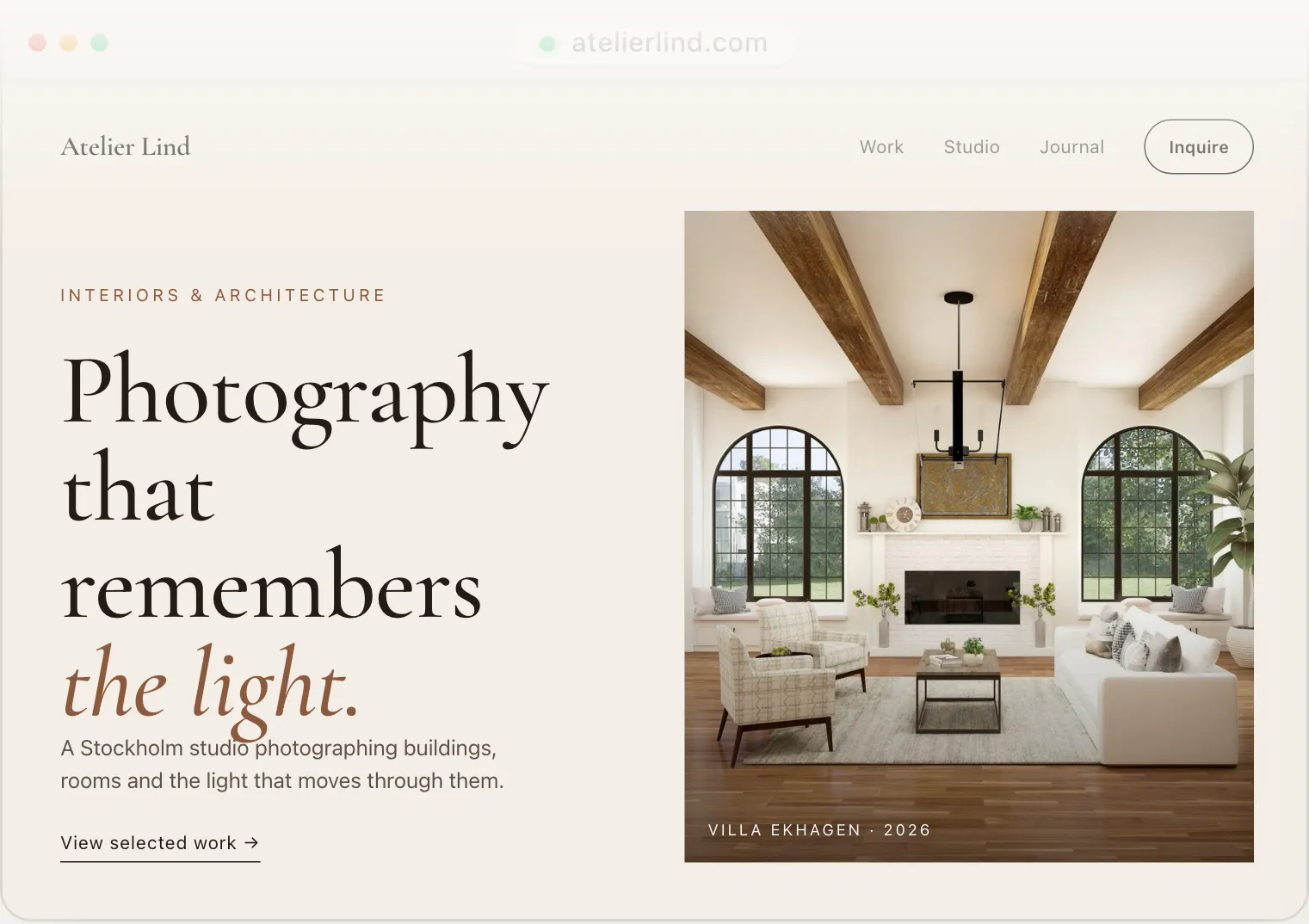
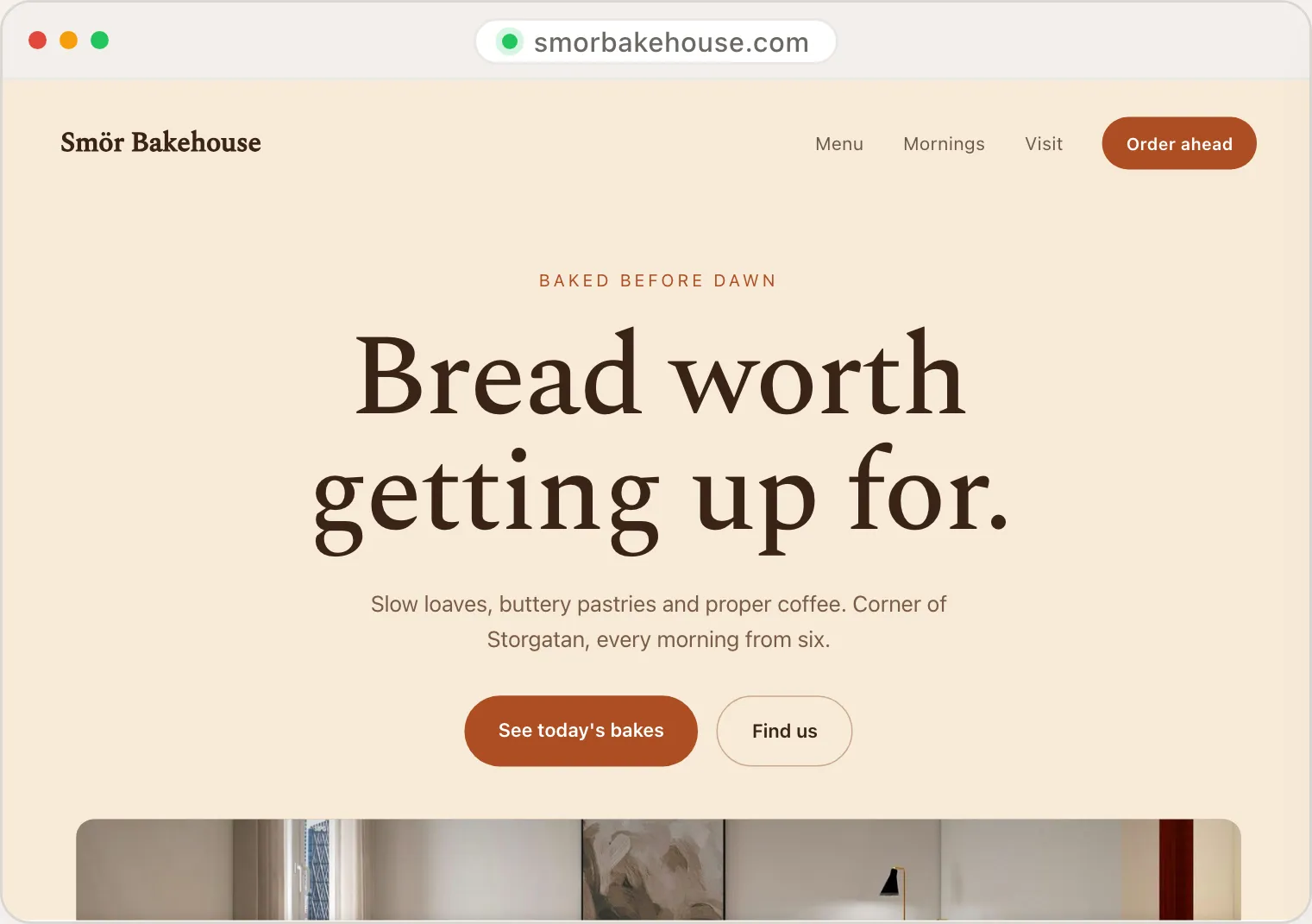
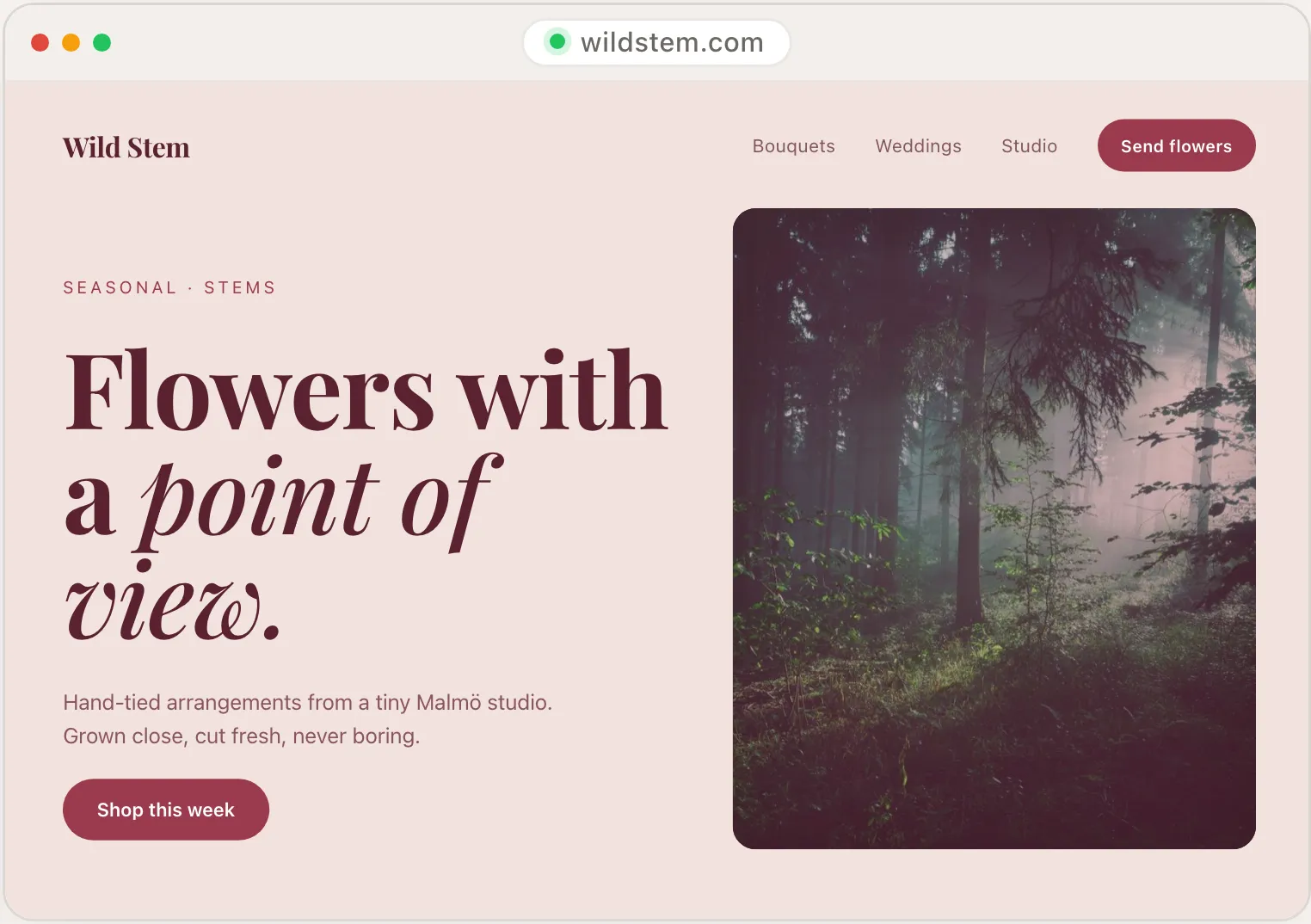
Sites that came off Framer.

Three sites SiteSpin wrote. Ours, and all three live.

elias-roth.sitespin.app
Elias Roth, a photographer
Shows work, then gets enquiries
duskwork.sitespin.app
Duskwork, a clothing label
Takes orders, with sizes
ember-and-wick.sitespin.app
Ember & Wick, a candle studio in Bristol
Takes orders
Choose Framer if

Any of these is you.

We would rather you read this now than find it out in a month.

You are a designer, or you enjoy design work
Motion and interaction are the point of the site
You want pixel control over every breakpoint
You are building the website for somebody else

Three common objections

"But Framer sites look so good."
The best Framer sites are designer-built and lovingly tuned. The average Framer site (made by someone who isn't a designer) often gets stuck partway, breaks at one breakpoint, or never ships. SiteSpin's output is polished by default because the AI handles the design decisions. If you're a designer, Framer gives you a higher ceiling. If you're not, SiteSpin gives you a higher floor.
"What about animations and interactions?"
SiteSpin sites are deliberately calm. Subtle hover states, soft transitions on view changes, no scroll-jacking. If your brand needs heavy interactive flourish, Framer is the better fit. If you'd rather visitors read your content than play with your site, SiteSpin's restraint works.
"Can I make Framer-style portfolio sites with SiteSpin?"
For visual work (photography, art, portfolios), SiteSpin's portfolio sites produce clean galleries with restrained typography. The output won't beat a hand-tuned Framer portfolio. It will beat a Framer portfolio that you started but never finished.

Common questions

Can I import a Framer site into SiteSpin?
Not today. Describe your business in the SiteSpin chat from scratch. Paste any copy from your Framer site into the chat as part of the brief.
What about CMS?
SiteSpin doesn't have a CMS with multiple posts or entries in v1. If your site depends on a CMS (blog with multiple posts, content directory, dynamic listings), Framer's CMS is the more complete option.
What about animation?
SiteSpin sites use subtle motion (light hover states, gentle transitions). If your brand needs scroll-linked animations or complex interactive sections, Framer is the right tool.

Framer is a trademark of Framer B.V.. SiteSpin is not affiliated with Framer and is not endorsed by it. Every row above was checked against Framer's published pricing and feature pages on 27 August 2026, comparing annual plan against annual plan. If a row has gone out of date, write to us and we will correct it.

Build one and compare them properly.

Free to build. The first seven days need no card.