
Compared with Webflow
SiteSpin or Webflow?
Webflow pairs detailed design tools with AI that can build a site and change page designs. SiteSpin builds and updates a business website through chat.
Get startedWorking with Webflow.
Webflow can generate a site with AI and change page designs through its AI Assistant, in public beta for AI-built or supported-template sites with Workspace AI turned on. It suits people who want direct control of the design.
Working with SiteSpin.
Describe your business and choose a design. Build your website and manage its bookings, order requests and messages in SiteSpin. Make updates by chat.
Built for your business. Included in Pro.
Availability and domain terms apply. Website updates use your plan’s daily allowance. Customer payments use your own payment links; there is no built-in card checkout, and your payment provider may charge fees.
PricingHow you build and make changes.
Compare the everyday tasks in SiteSpin and Webflow. Features and availability may depend on the plan you choose.
Update your website
- SiteSpin
- Describe the change in chat.
- Webflow
- Ask the AI Assistant on supported sites (public beta), or edit in the design environment
Get the words written
- SiteSpin
- Written from your answers
- Webflow
- AI generation and revision of copy
Control the design
- SiteSpin
- Choose a style and ask for design changes.
- Webflow
- Direct control in the design environment
Explore a look for your business.
Examples of different layouts and styles.
-

Atelier LindPhotography portfolio -
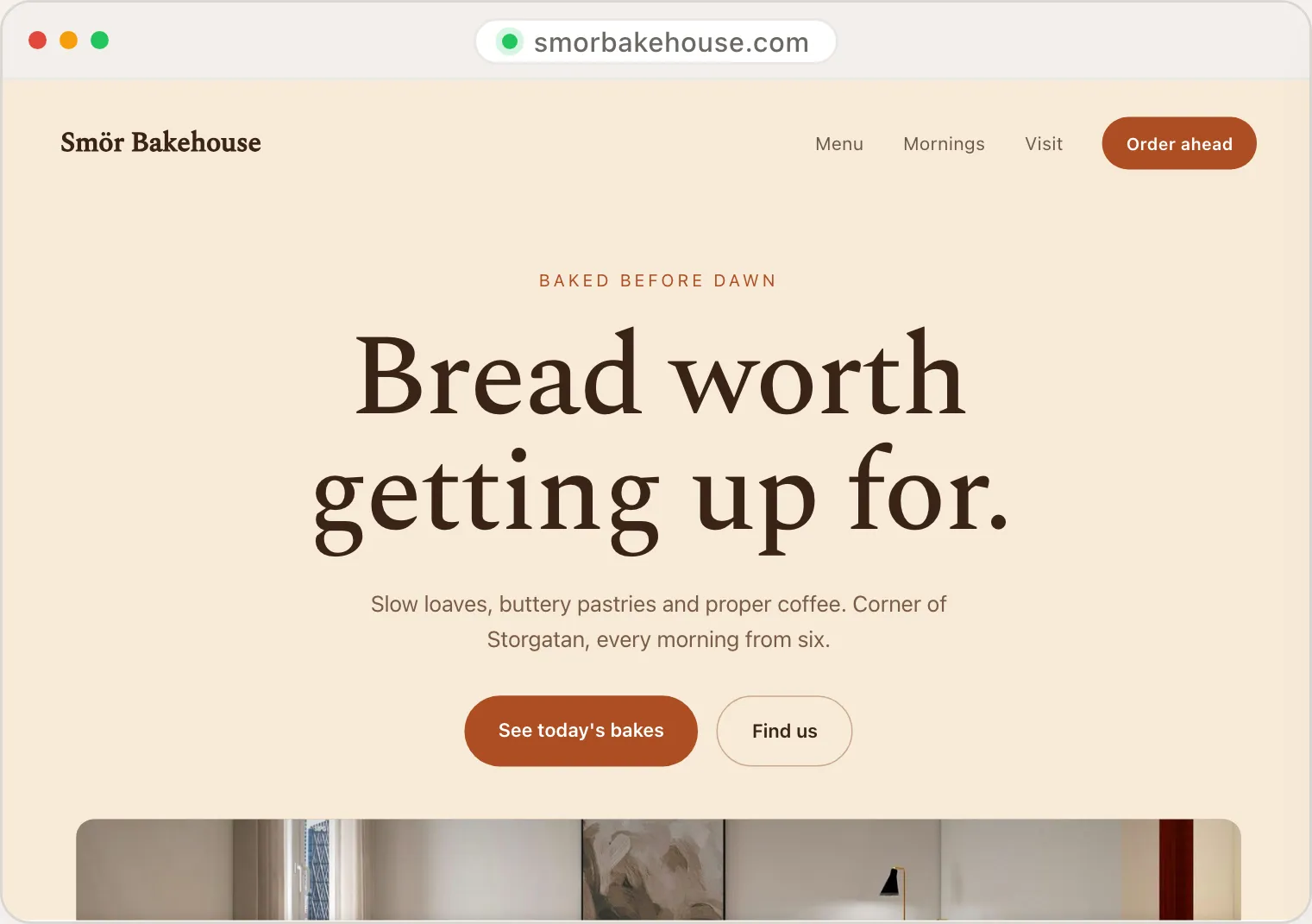
Smör BakehouseBakery and café -
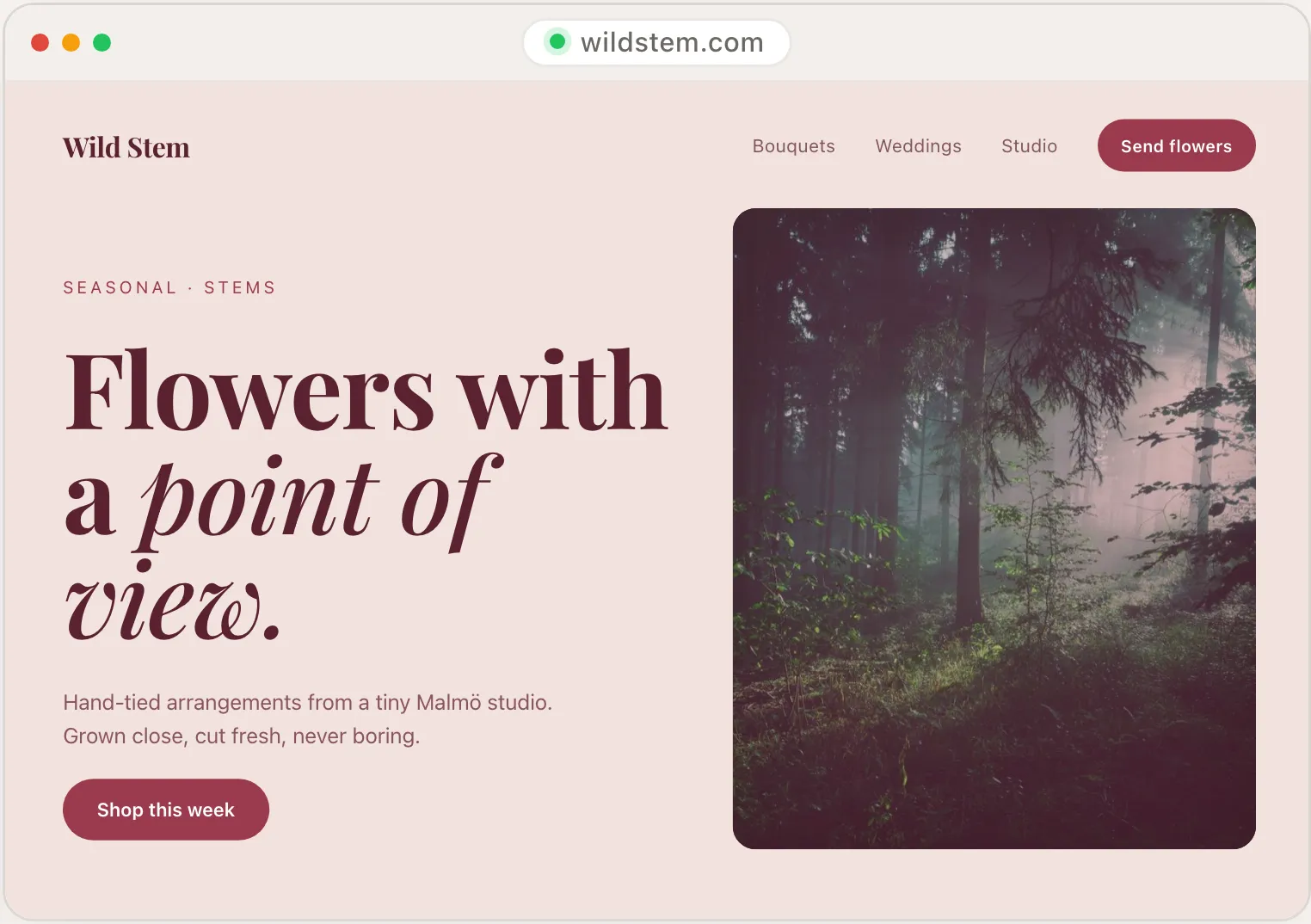
Wild StemFlowers and arrangements
Illustrative designs, not customer websites.
When it may be a better fit.
Before you choose
Consider who will keep the website current after it launches. Try changing a service description, a price and a page layout with that person. Choose a workflow they can use comfortably for regular updates.
Compare SiteSpin’s features and plans with the specific product you are considering.
Sources
The editing details come from Webflow’s own documentation: Webflow AI, Modify page designs with the Webflow AI Assistant and Build a site with Webflow’s AI site builder, checked on 6 October 2026. Check its current features and plan terms before subscribing.
Other alternatives
Webflow is a trademark of Webflow, Inc.. SiteSpin is not affiliated with or endorsed by Webflow. Product information reviewed on 6 October 2026; see the named sources for current details.
Start with your business.
Tell us what you do and what your website needs to include.